PS5 Exploit & Firmware Watch: The Impact of the “Relapse” Jailbreak and What It Means for Your Console
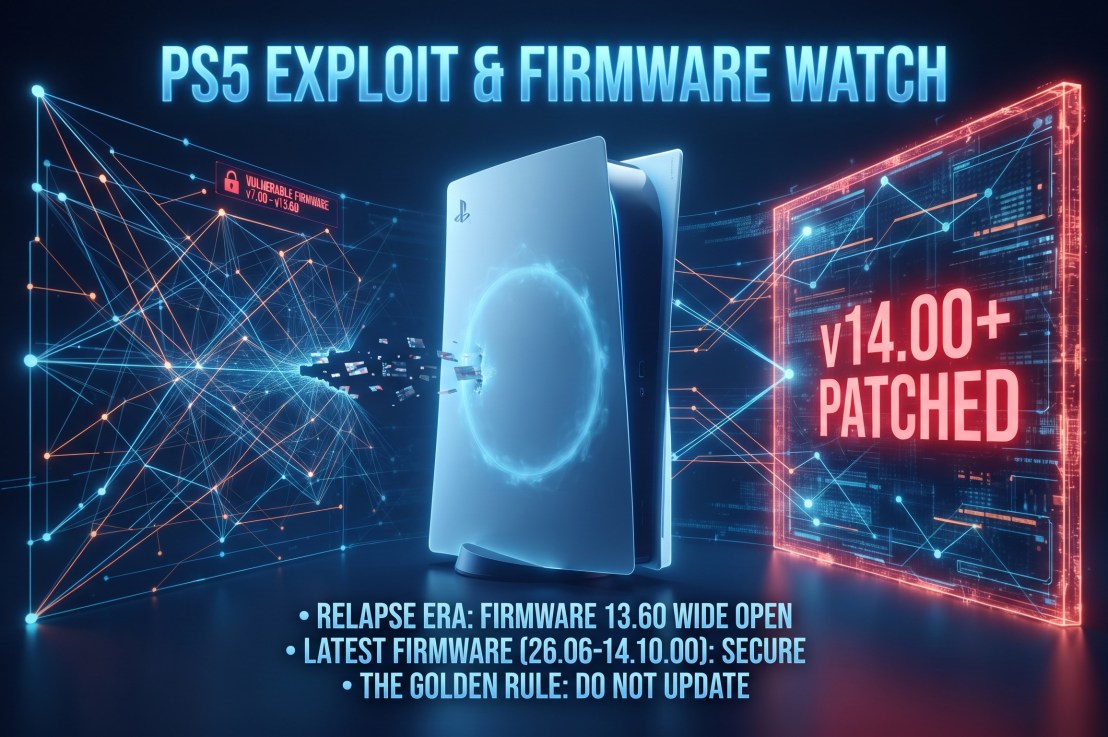
If you’ve been tracking the PlayStation 5 homebrew and modding landscape, the status quo changed overnight. For years, breaking open Sony’s current-generation hardware felt like an uphill battle restricted to older, isolated consoles. That changed with the public disclosure of the “Relapse” exploit chain, which successfully targets system software versions 7.00 through 13.60.
Because Sony’s major v14.00 infrastructure rollout dropped shortly after, this exploit has created a massive dividing line in the community. Here is your evergreen breakdown of the current PS5 exploit watch, what hardware is affected, and why the golden rule of keeping your console offline still applies.
The Current Firmware Breakdown: Where the Line is Drawn
Console security is strictly version-dependent, and the rollout of Relapse has split the user base into distinct camps:
- The Early Golden Era (v4.51 and Below): These legacy firmwares remain the holy grail for deep-level hypervisor access and custom environment configurations, though fewer active consoles remain on these builds.
- The “Relapse” Sweet Spot (v7.00 up to v13.60): This is where the landscape shifted. Consoles running the July firmware builds (up to v26.05-13.60.00) have a viable pathway for userland and kernel interaction via WebKit memory vulnerabilities. This includes standard consoles as well as early units.
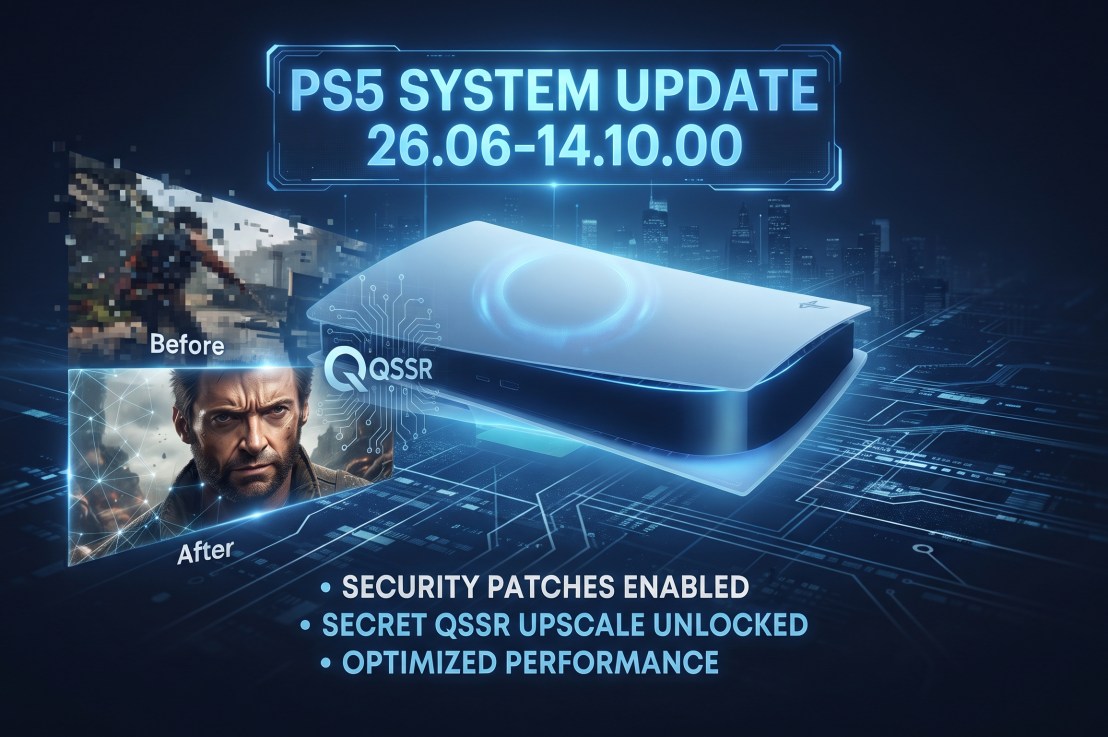
- The v14.00+ Wall: Sony’s subsequent software updates—including v14.00 and point patches like 26.06-14.10.00—actively patch these entry vectors. If your console has automatically pulled down these updates, you are locked out of the Relapse exploit chain.
What Can You Actually Do With Relapse?
Unlike clunky historical exploits that suffered from terrible stability or long trigger times, Relapse brought a much faster, more streamlined approach to code execution.
- Homebrew and Emulators: A stable exploit chain allows developers to load custom ELF payloads, paving the way for diagnostic tools, homebrew apps, and experimental community emulators.
- The Game Version Dilemma: Major titles like Marvel’s Wolverine launch right around this firmware threshold. While a physical disc may contain an older, compatible build, game updates or DLC often demand newer system software, creating a friction point between playing modern software and keeping an exploit alive.
- The Online Trade-off: As always, utilizing an exploit requires strict network isolation. Connecting to the PlayStation Network forces updates or risks account restrictions, meaning your console becomes strictly an offline sandbox.
Golden Rules for Firmware Watchers
If you’re holding onto an unpatched console or tracking future security disclosures, stick to these baseline rules:
- Kill Auto-Updates: Disable automatic system software downloads and background updates in your settings immediately.
- Beware of Scams: Be cautious of social media links or websites promising kernel exploits for the absolute newest firmware versions. True exploits take months of coordinated security research.
- Physical Media Preference: Consoles equipped with disc drives historically offer alternative entry vectors (such as Blu-ray Java exploits), making them more valuable to the preservation community than digital-only revisions.
Are you keeping an older console offline to see how the Relapse scene matures, or did your system accidentally pull the latest update? Let us know in the comments below.