
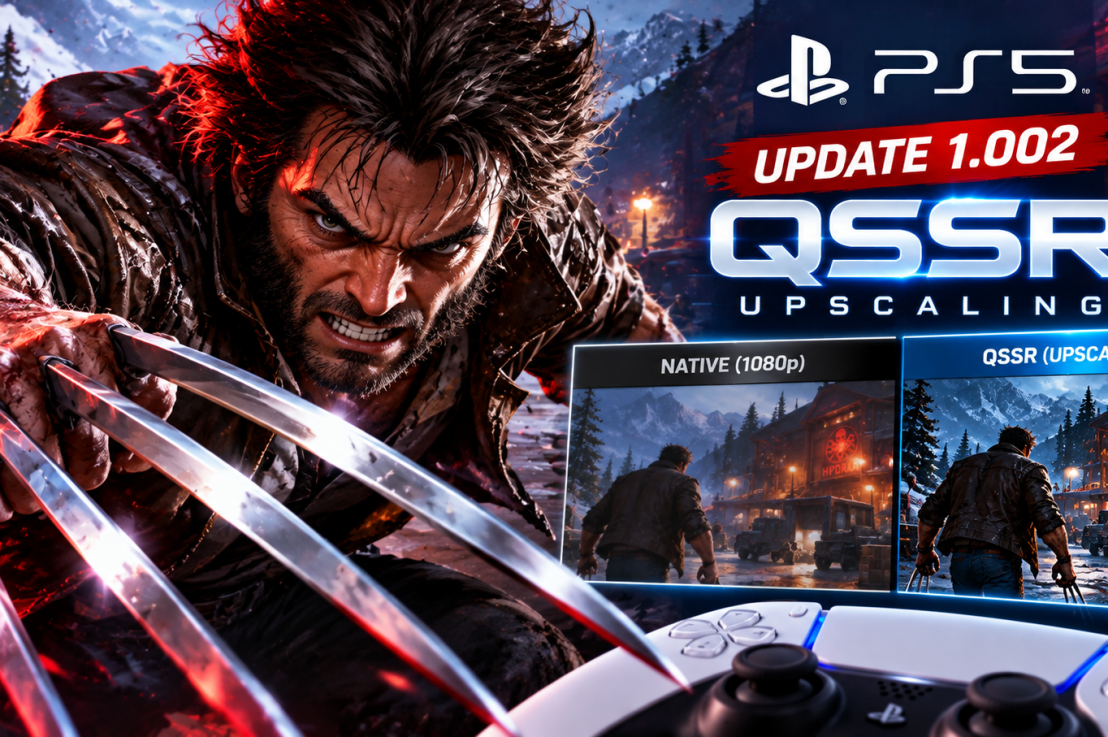
Marvel’s Wolverine Update 1.002: How QSSR Upscaling Changes the Game on Base PS5
When Insomniac Games dropped Marvel’s Wolverine, it instantly cemented itself as one of the most visually visceral action titles on the PlayStation 5. But for players rocking a standard, non-Pro console, pushing for top-tier visual clarity often meant dealing with the usual performance compromises.
That baseline shifted overnight when Sony and Insomniac rolled out update 1.002.000. Along with standard bug fixes, the patch quietly introduces Quick Spectral Super Resolution (QSSR)—Sony’s streamlined machine-learning upscaler built specifically to bring AI-powered image enhancement to the base PS5.
Out of the gate, Logan’s debut adventure serves as the ultimate showcase for this tech. If you’re wondering what update 1.002 actually changes under the hood, here is the real talk on how QSSR affects gameplay and whether you need to tweak your settings.
What Is QSSR, and Why Should Base PS5 Owners Care?
For a long time, advanced AI upscaling felt like exclusive territory for PS5 Pro owners flexing their PSSR capabilities. Standard console owners were left wondering if they’d miss out entirely on next-gen rendering tools.
QSSR changes that equation. Born from Sony and AMD’s ongoing Project Amethyst collaboration, it uses a lightweight neural network architecture designed to squeeze maximum performance out of the base hardware constraints.
Instead of relying solely on traditional rendering techniques that can cause fast-paced action sequences to look soft or artifact-heavy during heavy combat, Marvel’s Wolverine uses QSSR to clean up dynamic scenes without melting your GPU.
The Real Talk: How Does It Look in Action?
Early technical breakdowns from analysts and community testing paint a very positive picture for base hardware:
- The Visual Bump: Players and tech analysts have noted a stark boost in edge stability and fine detail clarity during frantic combat. Fine environmental details, rain effects, and Logan’s character model pop with a sharper finish that bridges some of the gap with higher-end rendering profiles.
- On by Default: You don’t have to go hunting through an obscure settings maze to turn it on. Following update 1.002, QSSR is enabled automatically on base consoles.
- Beyond Upscaling: Insomniac’s update also packs crucial fixes for Photo Mode, UI bugs, out-of-bounds navigation issues, and accessibility improvements.
How to Verify Your Game is Up to Date
If your console is connected to the web, Marvel’s Wolverine should have grabbed the patch automatically. If you want to double-check:
- Hover over the Marvel’s Wolverine tile on your PS5 home screen.
- Press the Options button on your DualSense controller and select Check for Update.
- Jump into the game and check your display options to ensure everything is running on the latest version.
The Verdict: A Massive Win for Standard Consoles
Mid-cycle hardware refreshes often leave standard console owners feeling like an afterthought. By bringing a tailored version of machine-learning upscaling down to the base PS5 through heavy hitters like Marvel’s Wolverine, Sony has given the original hardware a meaningful second wind.
Have you noticed a sharper image during combat since grabbing update 1.002, or are you still holding out for a hardware upgrade? Let us know in the comments below!


2 thoughts on “Marvel’s Wolverine Update 1.002: Base PS5 QSSR Upscaling”