Category: Hardware / Tech

PS5 Exploit & Firmware Watch: The Relapse Jailbreak Era

PS5 Exploit & Firmware Watch: The Relapse Jailbreak Era

PS5 Exploit & Firmware Watch: The Impact of the “Relapse” Jailbreak and What It Means for Your Console

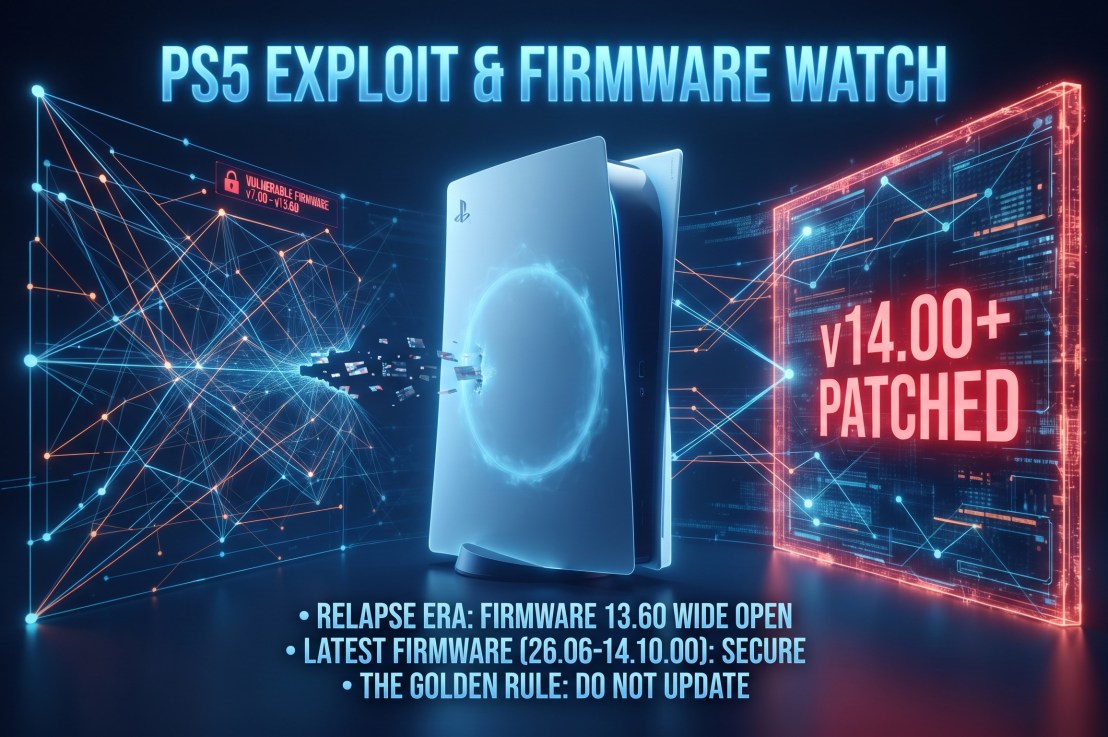
If you’ve been tracking the PlayStation 5 homebrew and modding landscape, the status quo changed overnight. For years, breaking open Sony’s current-generation hardware felt like an uphill battle restricted to older, isolated consoles. That changed with the public disclosure of the “Relapse” exploit chain, which successfully targets system software versions 7.00 through 13.60.

Because Sony’s major v14.00 infrastructure rollout dropped shortly after, this exploit has created a massive dividing line in the community. Here is your evergreen breakdown of the current PS5 exploit watch, what hardware is affected, and why the golden rule of keeping your console offline still applies.


The Current Firmware Breakdown: Where the Line is Drawn

Console security is strictly version-dependent, and the rollout of Relapse has split the user base into distinct camps:

  • The Early Golden Era (v4.51 and Below): These legacy firmwares remain the holy grail for deep-level hypervisor access and custom environment configurations, though fewer active consoles remain on these builds.
  • The “Relapse” Sweet Spot (v7.00 up to v13.60): This is where the landscape shifted. Consoles running the July firmware builds (up to v26.05-13.60.00) have a viable pathway for userland and kernel interaction via WebKit memory vulnerabilities. This includes standard consoles as well as early units.
  • The v14.00+ Wall: Sony’s subsequent software updates—including v14.00 and point patches like 26.06-14.10.00—actively patch these entry vectors. If your console has automatically pulled down these updates, you are locked out of the Relapse exploit chain.

What Can You Actually Do With Relapse?

Unlike clunky historical exploits that suffered from terrible stability or long trigger times, Relapse brought a much faster, more streamlined approach to code execution.

  1. Homebrew and Emulators: A stable exploit chain allows developers to load custom ELF payloads, paving the way for diagnostic tools, homebrew apps, and experimental community emulators.
  2. The Game Version Dilemma: Major titles like Marvel’s Wolverine launch right around this firmware threshold. While a physical disc may contain an older, compatible build, game updates or DLC often demand newer system software, creating a friction point between playing modern software and keeping an exploit alive.
  3. The Online Trade-off: As always, utilizing an exploit requires strict network isolation. Connecting to the PlayStation Network forces updates or risks account restrictions, meaning your console becomes strictly an offline sandbox.

Golden Rules for Firmware Watchers

If you’re holding onto an unpatched console or tracking future security disclosures, stick to these baseline rules:

  • Kill Auto-Updates: Disable automatic system software downloads and background updates in your settings immediately.
  • Beware of Scams: Be cautious of social media links or websites promising kernel exploits for the absolute newest firmware versions. True exploits take months of coordinated security research.
  • Physical Media Preference: Consoles equipped with disc drives historically offer alternative entry vectors (such as Blu-ray Java exploits), making them more valuable to the preservation community than digital-only revisions.

Are you keeping an older console offline to see how the Relapse scene matures, or did your system accidentally pull the latest update? Let us know in the comments below.
Related Articles

PS5 System Update 26.06-14.10.00: QSSR & Patch Notes

Marvel’s Wolverine Update 1.002: Base PS5 QSSR Upscaling

Marvel’s Wolverine Update 1.002: Base PS5 QSSR Upscaling

Marvel’s Wolverine Update 1.002: Base PS5 QSSR Upscaling

Marvel’s Wolverine Update 1.002: How QSSR Upscaling Changes the Game on Base PS5

When Insomniac Games dropped Marvel’s Wolverine, it instantly cemented itself as one of the most visually visceral action titles on the PlayStation 5. But for players rocking a standard, non-Pro console, pushing for top-tier visual clarity often meant dealing with the usual performance compromises.

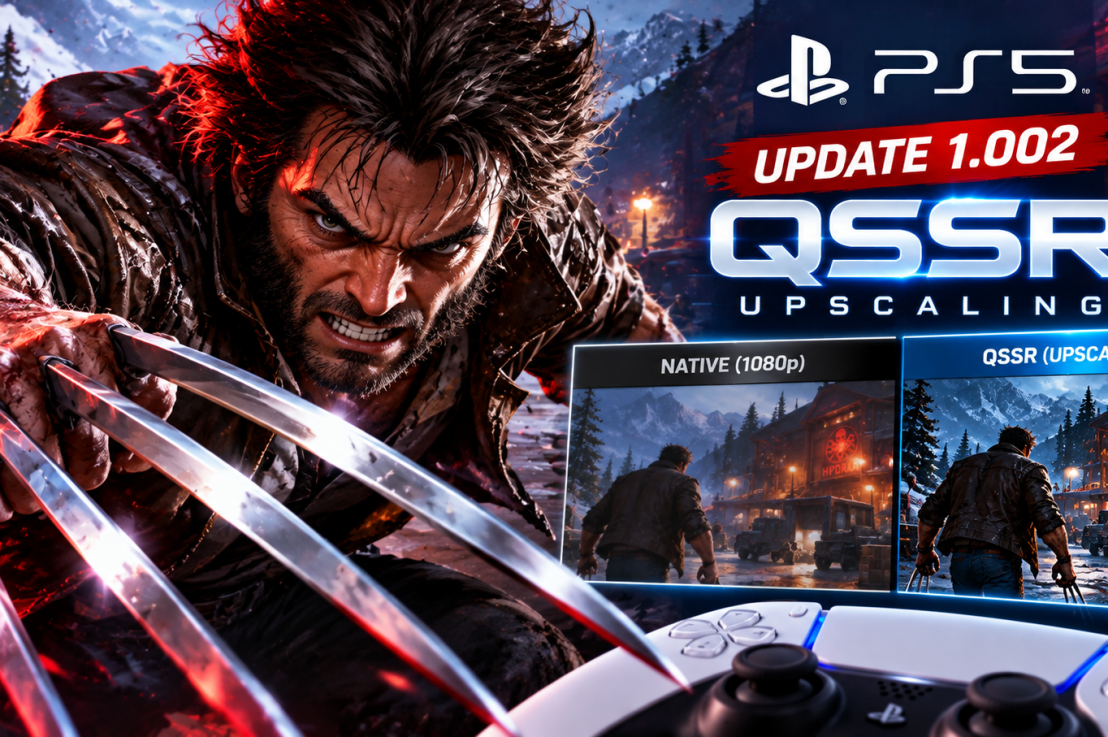
That baseline shifted overnight when Sony and Insomniac rolled out update 1.002.000. Along with standard bug fixes, the patch quietly introduces Quick Spectral Super Resolution (QSSR)—Sony’s streamlined machine-learning upscaler built specifically to bring AI-powered image enhancement to the base PS5.

Out of the gate, Logan’s debut adventure serves as the ultimate showcase for this tech. If you’re wondering what update 1.002 actually changes under the hood, here is the real talk on how QSSR affects gameplay and whether you need to tweak your settings.


What Is QSSR, and Why Should Base PS5 Owners Care?

For a long time, advanced AI upscaling felt like exclusive territory for PS5 Pro owners flexing their PSSR capabilities. Standard console owners were left wondering if they’d miss out entirely on next-gen rendering tools.

QSSR changes that equation. Born from Sony and AMD’s ongoing Project Amethyst collaboration, it uses a lightweight neural network architecture designed to squeeze maximum performance out of the base hardware constraints.

Instead of relying solely on traditional rendering techniques that can cause fast-paced action sequences to look soft or artifact-heavy during heavy combat, Marvel’s Wolverine uses QSSR to clean up dynamic scenes without melting your GPU.


The Real Talk: How Does It Look in Action?

Early technical breakdowns from analysts and community testing paint a very positive picture for base hardware:

  • The Visual Bump: Players and tech analysts have noted a stark boost in edge stability and fine detail clarity during frantic combat. Fine environmental details, rain effects, and Logan’s character model pop with a sharper finish that bridges some of the gap with higher-end rendering profiles.
  • On by Default: You don’t have to go hunting through an obscure settings maze to turn it on. Following update 1.002, QSSR is enabled automatically on base consoles.
  • Beyond Upscaling: Insomniac’s update also packs crucial fixes for Photo Mode, UI bugs, out-of-bounds navigation issues, and accessibility improvements.

How to Verify Your Game is Up to Date

If your console is connected to the web, Marvel’s Wolverine should have grabbed the patch automatically. If you want to double-check:

  1. Hover over the Marvel’s Wolverine tile on your PS5 home screen.
  2. Press the Options button on your DualSense controller and select Check for Update.
  3. Jump into the game and check your display options to ensure everything is running on the latest version.

The Verdict: A Massive Win for Standard Consoles

Mid-cycle hardware refreshes often leave standard console owners feeling like an afterthought. By bringing a tailored version of machine-learning upscaling down to the base PS5 through heavy hitters like Marvel’s Wolverine, Sony has given the original hardware a meaningful second wind.

Have you noticed a sharper image during combat since grabbing update 1.002, or are you still holding out for a hardware upgrade? Let us know in the comments below!

Related Articles

PS5 System Update 26.06-14.10.00: QSSR & Patch Notes

PS5 Exploit & Firmware Watch: The Relapse Jailbreak Era

PS5 System Update 26.06-14.10.00: QSSR & Patch Notes

PS5 System Update 26.06-14.10.00: QSSR & Patch Notes

PS5 System Software Update 26.06-14.10.00: Security Fixes and the Secret QSSR Unlock

If you booted up your console and got hit with a forced download prompt, you’re looking at PS5 system software update version 26.06-14.10.00.

Sony’s official support documentation gives you the usual corporate runaround, but digging deeper reveals there’s actually more under the hood this time than just boring background maintenance. Here is the real breakdown of what this update is doing to your console.


The Official Patch Notes

Sony’s changelog for version 26.06-14.10.00 reads:

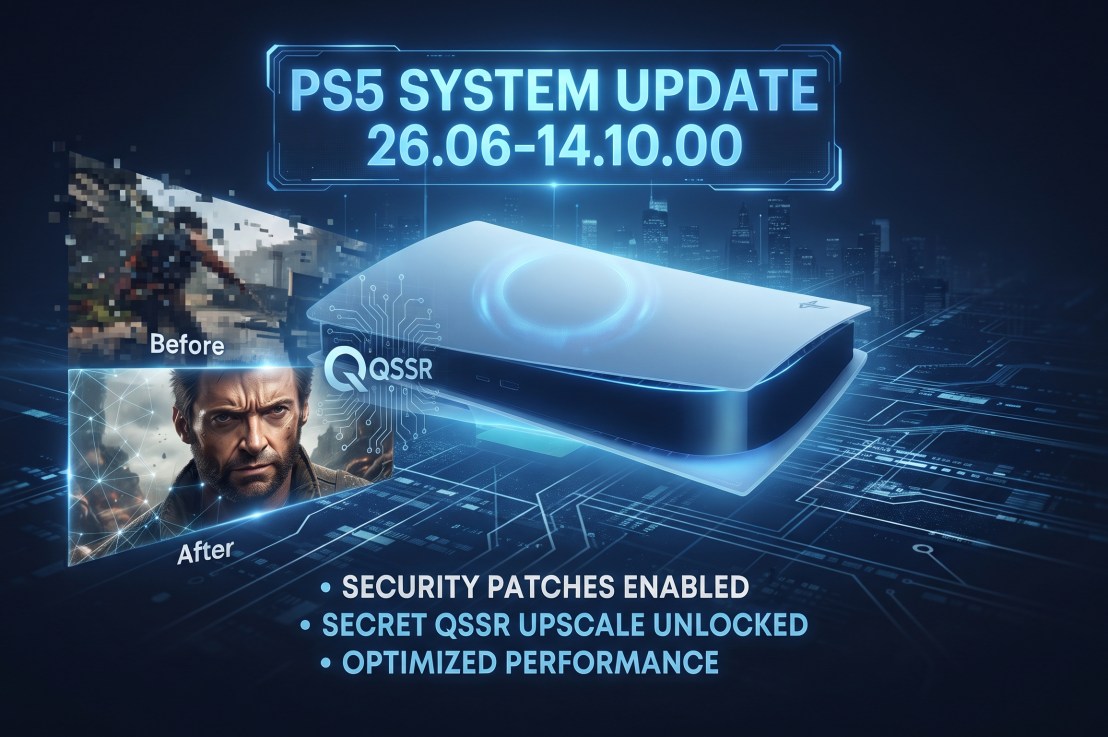
  • We’ve made some security fixes to the system software.
  • We’ve improved system software performance and stability.

What’s Actually Going On (The Real Talk)

  • The QSSR Upscaler Unlocked: Alongside the generic stability fixes, this firmware quietly enables support for QSSR (Sony’s new in-house AI upscaler built with AMD) on base consoles. Games like Marvel’s Wolverine are already taking advantage of it to sharpen dynamic scenes without hammering performance.
  • The Security / Jailbreak Angle: Whenever Sony drops a patch with vague “security fixes,” the community immediately goes on alert. Updates like this act as a counter-measure against recent exploit attempts, meaning players tracking older firmware versions for homebrew will want to stay offline.
  • Online Play: If you play online, you’ll eventually have to pull the trigger. PSN won’t let you hop into a lobby or party chat on an outdated version.

How to Install It

If your console is in Rest Mode, it probably already grabbed it. If not, manual installation takes thirty seconds:

  1. Head to Settings (the gear icon top-right of your home screen).
  2. Go to System > System Software > System Software Update and Settings.
  3. Hit Update System Software > Update Using Internet.

Have you noticed any visual bumps in games like Wolverine since updating, or are you keeping your console offline? Let us know below.